


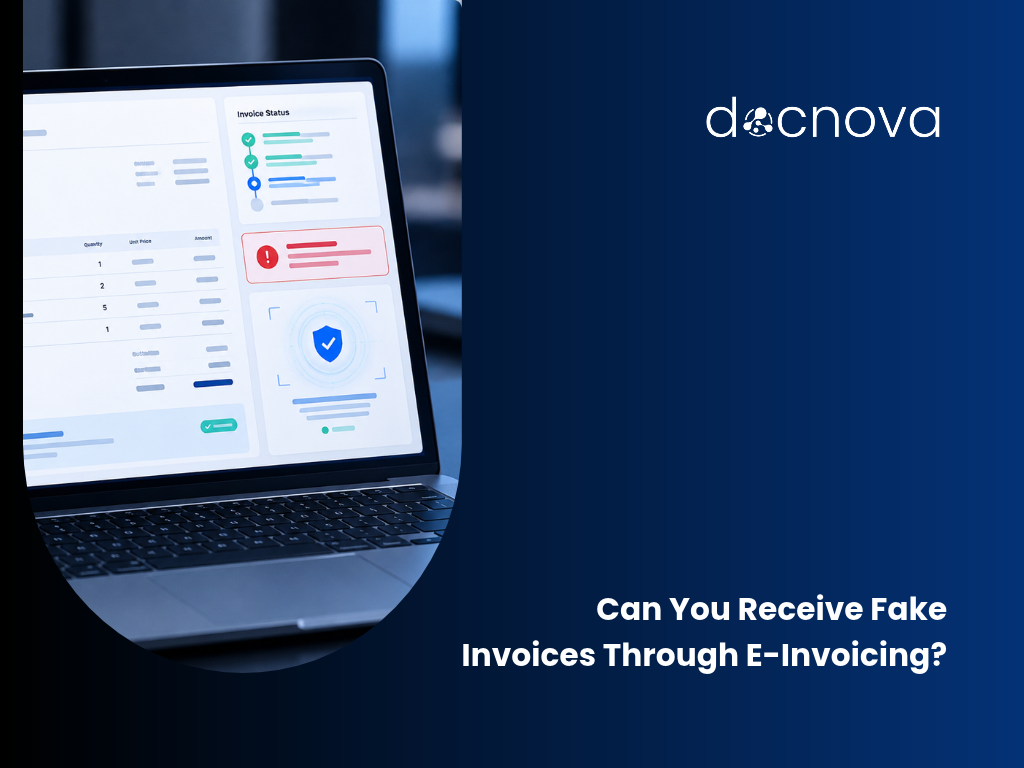
A CEO recently told us something that surprised him: he now receives fake invoices directly through his approved e-invoicing platform. Other business owners he spoke to had the same problem.
It’s an easy mistake to make. When an invoice arrives through an official, approved channel, it feels trustworthy. But being delivered correctly is not the same as being legitimate.
With e-invoicing now mandatory in Belgium and France, and coming to Germany, more invoices than ever will arrive through official platforms. That’s good for compliance. It also means a fake invoice can now look exactly as official as a real one.
What an e-invoicing platform does, and doesn’t do
| An e-invoicing platform checks | It does not check |
|---|---|
| The invoice format is valid | The supplier is real and known to you |
| The invoice reaches the right recipient | Anything was actually ordered |
| Mandatory fields are present | The bank account is the right one |
| The invoice meets the country’s legal standard | The invoice wasn’t already paid |
In short: compliance gets the invoice to you. Your AP process decides whether to pay it.
Five checks to run before paying any supplier invoice
1. Do you know this supplier? With e-invoicing, any company with a valid ID can send you an invoice. Your supplier list is your first line of control. Every incoming invoice should be compared with your supplier master data. An unknown sender, or the same supplier recorded twice under slightly different names, deserves a closer look before approval.
2. Did the bank details change? Same supplier, same amount, same layout, but a new bank account. This is one of the most common forms of invoice fraud, and it’s hard to spot by eye because everything else looks normal. Bank details on every invoice should be checked against what you have on file, and any change should be verified before the payment run.
3. Is there a purchase order behind it? An invoice without a purchase order number is usually just an admin gap. Sometimes it’s a sign that nothing was ever ordered. Searching the supplier’s open orders for a match turns a blank field into a useful check: if no matching order exists at all, that’s a reason to ask questions.
4. Have you seen this invoice before? Duplicate invoices arrive for innocent reasons, such as a supplier sending the same invoice by email and through a platform. They also arrive on purpose. A duplicate check on invoice number, amount and supplier keeps the same invoice from being paid twice.
5. Who approved it? If the person who uploaded an invoice can also approve it, that’s a gap auditors will notice, even when nothing went wrong. Approval rules based on amount and cost centre, a block on self-approval and payment runs released by two people turn internal control from a policy document into part of the process.
How Docnova handles both sides
Docnova is an e-invoicing provider itself, so we say this from the inside: receiving invoices correctly is only the first step. That’s why we built Docnova AP Automation on top of e-invoicing.
Every incoming invoice, whether it arrives via Peppol, as a PDF or by email, goes through the same checks before anyone pays it:
- Supplier check: invoices are compared with your supplier master data, and duplicate supplier records are suggested for merging, with manual IBAN verification.
- Bank detail and duplicate checks: changed bank details and duplicate invoices are flagged for review.
- Your own risk rules: your team can add company-specific risk questions, and AI assesses every invoice against them.
- Purchase order matching: when an invoice has no PO number, AI suggests the most likely open order and your team confirms it.
- Controlled approvals: uploaders can’t approve their own invoices, approvals follow your rules and every step is recorded.
- ERP export: approved invoices are exported as SAP IDoc or EDIFACT, with no re-typing.
No system can promise that every fake invoice will be caught. What AP automation does is make sure every invoice is checked the same way, every time, before payment, instead of relying on someone noticing a detail on a busy afternoon.
For companies managing invoice processes in SAP, explore the Melasoft SAP e-invoicing Add-On.
Frequently asked questions
Can fake invoices arrive through an approved e-invoicing platform?
Yes. Platforms validate format and delivery, not the legitimacy of the supplier or the transaction.
Does e-invoicing reduce invoice fraud?
It improves data quality and traceability, but it doesn’t verify suppliers, orders or bank details. Those checks still need to happen in AP.
What is a common type of invoice fraud?
One of the most common is changed bank details on an otherwise normal looking invoice from a known supplier.
How does AP automation help with invoice fraud?
It runs the same checks on every invoice before approval: supplier, bank details, duplicates, purchase orders and approval rules.
See it on your own invoices
E-invoicing makes sure invoices reach you. Docnova AP Automation helps you decide which ones to pay. Talk to a Docnova expert and see how the checks above work with your own invoice flow.
See how Docnova AP Automation helps your team check supplier invoices before payment.